


Accessible Digital Documents Made Easy
Repurposed from MN Judicial Branch
- Accessibility research
- Content analysis
- Needs assessment
- Identify learning objectives
- Instructional design
- Content development
- Interpreting source material
In 2021, the Minnesota Judicial Branch (MJB) committed to inclusive design for all documents. I determined that staff would need materials to access in the flow of their daily work. One of which was a simple checklist. Another, a guide on how to accomplish the items on said list. I combined the two for ease of access.
Unfortunately, I cannot post my finished work from the MJB. Therefore, I rebranded the document to my own branding and made it available on my LinkedIn to support universal design for all.

Results
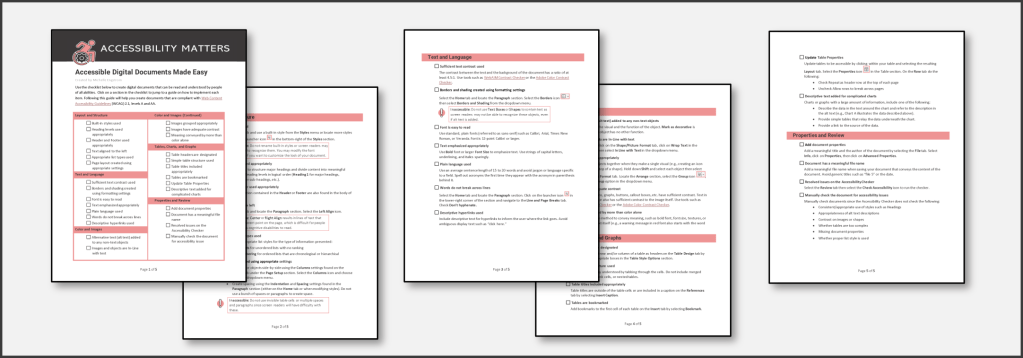
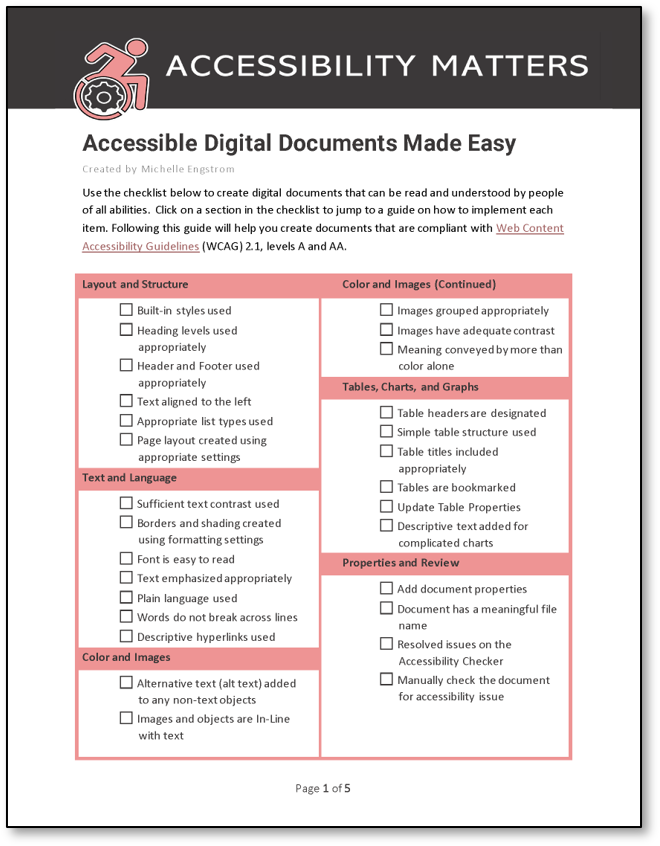
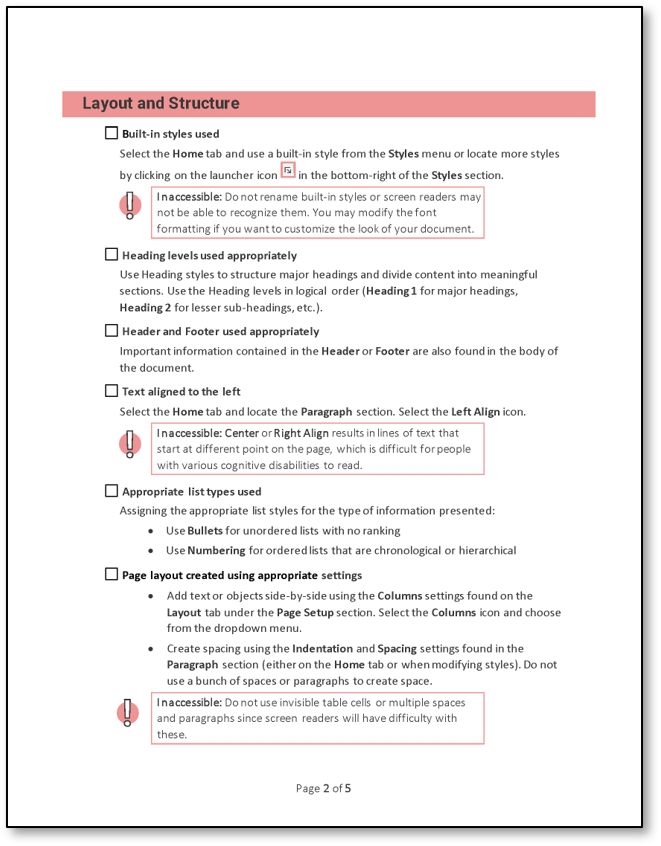
Fully accessible, aesthetic, and (most importantly) functional. When reviewing digital documents for accessibility, users can simply check off the items met on the first page. When an item cannot be checked off, users need only to click on the section heading to jump right to the section in the guide that explains how to resolve the issue.
I hear often that employees believe accessible means plain and boring documents. This is not true, as all of my aesthetic touches to this document are all accessible.
Simply using the Accessibility Checker in MS Word is not enough to create truly inclusive content. This guide will help users meet Web Content Accessibility Guidelines (WCAG) 2.1 standards for levels A and AA.
Many employees have reach out to me and let me know how invaluable the checklist is. It has been accessed 500+ times on LinkedIn. Accessibility matters, and I keep abreast of new solutions and trends to provide you with inclusive content.
© 2022 Michelle Engstrom. All rights reserved.
 letME Design